2026-07-14 · Riley Park · 886 words
How antidetect browsers work
How the isolation actually works: separate engines, jars, and seeds on one Windows box. A standalone mechanics page, not a buried paragraph in a buyer guide.
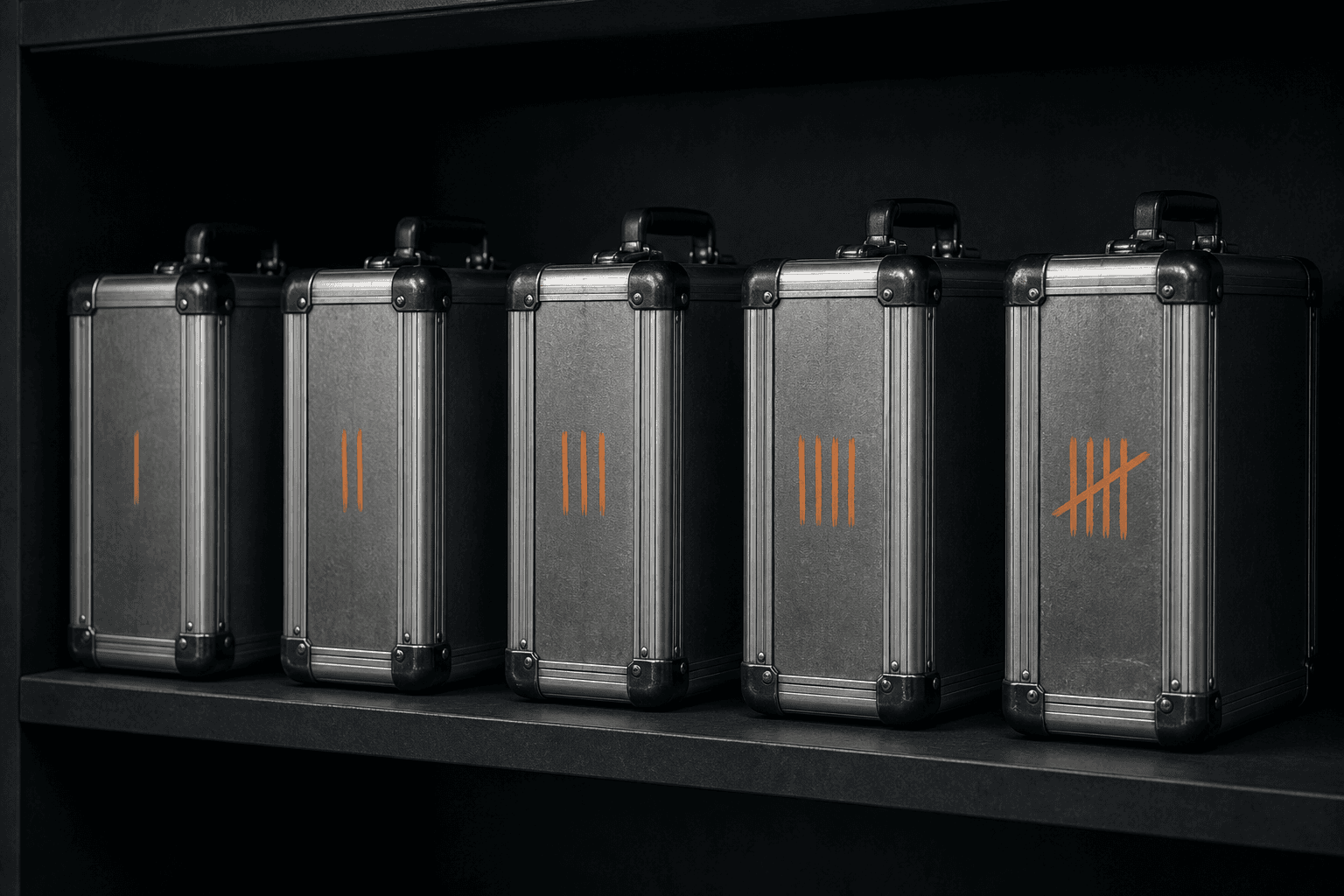
Buyer guides bury this in a paragraph under features. The mechanics are the product. An antidetect browser on Windows launches a separate browser process into a separate user-data directory, with separate cookies and a separate fingerprint seed, so authorized accounts on one PC do not inherit each other. That is the whole machine. Everything else is packaging.
What an antidetect browser is names the job. This page walks the parts. The rest of the cluster lives under Antidetect browsers.
Three things that have to stay apart
A normal browser is one house. Tabs look separate. Cookies, localStorage, IndexedDB, extensions, and the hardware story a page can read all sit in one engine family. Chrome and Edge are good at that house. They are not built to keep two ads accounts from sharing a cookie store.
An antidetect tool splits that into profiles. Each profile needs three things that do not leak into the next one.
| Piece | What it holds | If two logins share it |
|---|---|---|
| Process + user-data directory | Cache, cookies, site storage, extension state | They share a life. The site already has both keys |
| Cookies + localStorage + IndexedDB | Logins, pixels, "remember this device" | Session switcher wearing a bigger word |
| Fingerprint seed | Canvas, WebGL, fonts, screen, timezone | A new random paint every morning is a lab habit |
A proxy is not one of those three. It is the path out. You can attach a line to a profile. You cannot replace the profile with a line. A proxy browser versus an antidetect browser is the sibling that keeps those jobs from collapsing into one search query.
How a launch actually happens
On a local tool you pick a named profile. The app reads an index, finds the folder, and starts a browser binary with that folder as the user-data directory. Fingerprint values are applied before the first page you care about loads. If a proxy is attached, timezone, locale, and geolocation should follow the exit country, not the office clock.
In MaskWright the store root is {Electron userData}/maskwright-data. The index is profiles.json, encrypted at rest with AES-256-GCM. Proxy credentials live there. Each profile is profiles/<uuid>/. That tree is ordinary Chromium or Firefox files. Cookie and localStorage import files are plaintext JSON. If a page says profiles are encrypted and does not name the index versus the tree, it is overselling.
There is no MaskWright account and no cloud profile sync. Create, list, start, and stop go over local IPC. You can back the store up because you can see it. You can lose it the same way.
Chromium prefers a custom 131 core when present, else system Chrome or Edge. Firefox prefers Camoufox when installed, else stock Firefox. JavaScript and CDP override many surfaces. TLS JA3 and JA4 are not a JavaScript spoof. I will not quote lab scores. Bulk start exists in the UI. It is for a handful of authorized profiles on one PC, not a fleet.
What the page can still see
Isolation is not invisibility. The site still sees an IP, a TLS handshake, a cookie set, and whatever the engine actually exposes. A coherent profile is the most an operator tool can offer. Detection is a site policy plus a stack we do not control.
Windows still has one user, one NIC, one GPU, and one downloads tray unless you fight those. Two profiles on one tower can still share ambient tells the OS does not split. A virtual machine versus an antidetect browser is the comparison when you actually need a second Windows install. Most authorized brand work does not.
Antidetect versus Chrome covers the consumer engine you already trust. Chrome is excellent at being one house. This tool exists because several authorized identities on one PC should not share cookies.
Local isolation is not a cloud locker
Cloud tools sell seats, sync, and sometimes a rented phone. The session can live on their disk. That helps if you need the same profile on two laptops and you accept the vendor as a custodian. It costs when the custodian is breached or rate-limits the export.
Local versus cloud is the architecture cut. If I cannot point at the folder, I do not treat the product as local isolation. MaskWright does not offer team seats. Platform roles share work. Mailing a folder shares cookies. There is no cloud phone. A mobile user agent on Windows is a mismatch, not a phone.
What free means is a price note, not a reason to abandon Chrome for banking. How to choose is the checklist: local store, bring-your-own proxy, no seats, honest limits. Agencies need the folders, not a slogan.
FAQ
Is a proxy required? No. A profile without a proxy still isolates cookies. The exit is then the house IP.
Does encryption cover the Chromium folder? No. Only profiles.json is AES-256-GCM. The per-profile tree is ordinary browser files.
Can I run this fully offline? Profile create, list, start, and stop work locally. Updates, ads feed, and geo checks need network unless you block them.
If you only needed the machine: separate process, separate directory, separate cookies, separate seed, optional exit, on the operator PC. That is how it works. The buyer guide can stay a buyer guide.
Related notes
- How to choose an antidetect browserAntidetect browsers
- What an antidetect browser isAntidetect browsers
- Best antidetect browsers: local versus cloudAntidetect browsers
- Virtual machine versus antidetect browserAntidetect browsers
- What free means in an antidetect browserAntidetect browsers
- Proxy browser versus antidetect browserAntidetect browsers
- Antidetect browser versus ChromeAntidetect browsers
- Antidetect browsers for agencies without team seatsAntidetect browsers