2026-06-17 · Riley Park · 950 words
Best antidetect browsers: local versus cloud
One local-versus-cloud roundup. We compare where the jar lives, not forty cloned tools. If the session sits on someone else's disk, that is the story.
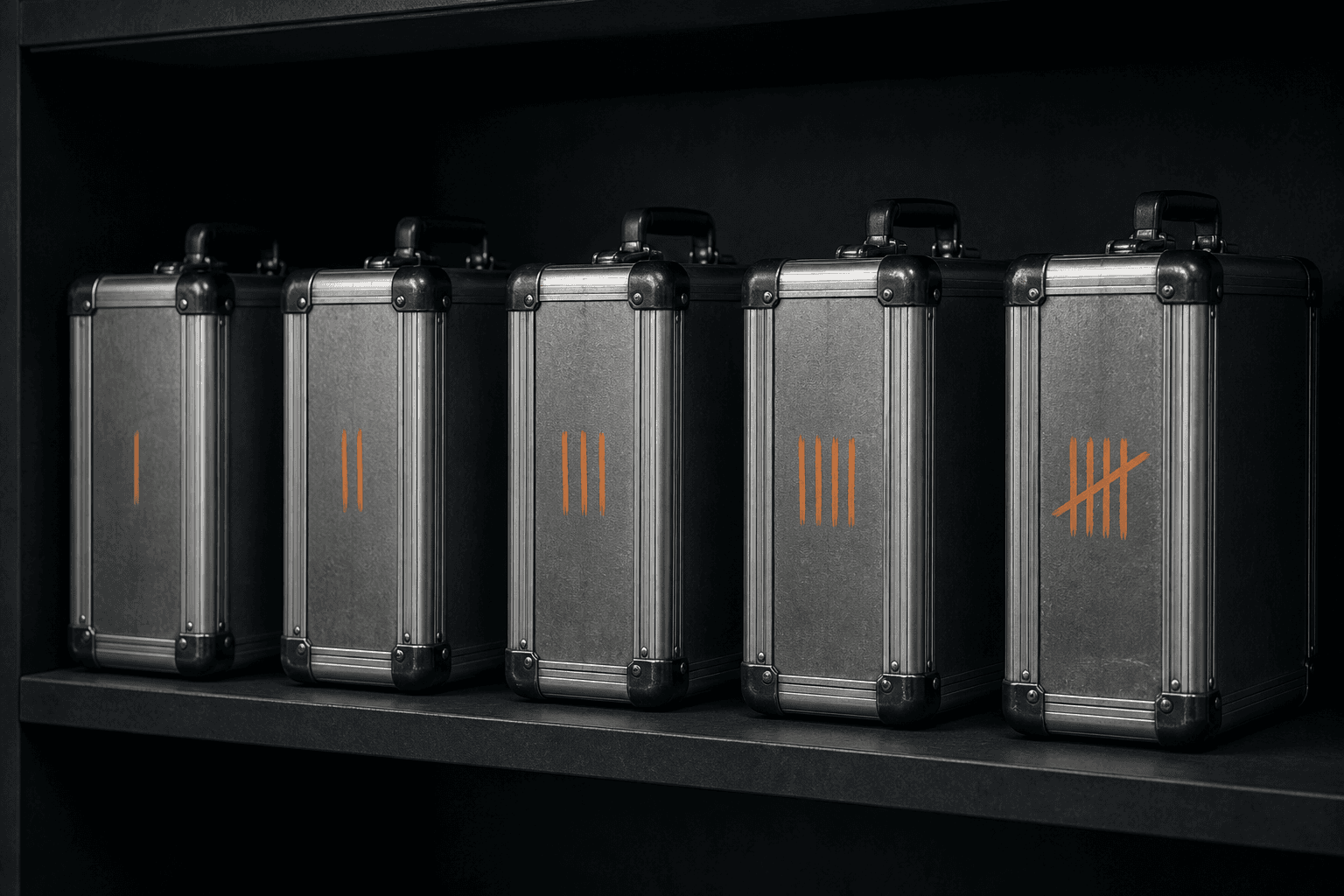
Roundups in this niche clone each other: forty names, the same three screenshots, a crown on whoever paid for the slot. I am not going to add a forty-first table. The only split that changes the risk is where the session sits when you close the lid.
If the profile folder is on your disk, you have a local antidetect browser. If it is on a vendor disk, you have a hosted browser that launches Chromium for you. Both can isolate logins from each other. Only one keeps the cookies in a folder you can copy. This is the local-versus-cloud note in Antidetect browsers.
The question the listicles skip
What an antidetect browser is already named the job: authorized profiles that do not share cookies, storage, or a fingerprint seed. Cloud tools can do that job. They do it as a service. Your profile index, and often the live session, live in their region. Sync is the feature. Custody is the cost.
A local tool does the job as an app. MaskWright stores the index and the per-profile user-data tree under the Electron user-data path. There is no account and no profile sync in the desktop code. You back it up. You lose it if you do not. That is the trade, not a slogan.
How to choose an antidetect browser is the checklist. This page is the class comparison those checklists usually bury under logos.
What you actually buy in each class
Local. A Windows process, a folder, optional HTTP or SOCKS5 you paste in. Launch is on this machine. RAM and disk are yours to budget. There is no seat meter in MaskWright. Ads, if they exist, belong in dashboard chrome the vendor draws. Updates still leave the machine. Geo checks still leave the machine. Profiles do not.
Cloud. A login, a seat, a sync flag, sometimes a cloud phone. Launch can follow you to a second laptop without a USB drive. The vendor can reset, freeze, or read what their architecture allows. A breach of that vendor is a breach of every session they hold. Export quality varies. Some products make leaving slow on purpose.
I will not rank named hosted browsers here. The test is the same for all of them: when the laptop is offline, is the profile still on the laptop?
| Topic | Local app | Hosted browser |
|---|---|---|
| Where cookies live | Your disk | Vendor region |
| Offline launch | Yes, if the core is local | Usually no |
| Team seats | Not in MaskWright | Often the SKU |
| Moving to a second PC | Copy a folder | Log in |
| Breach blast radius | This machine | Every customer session they hold |
| Export | Folder plus cookie files | Whatever their client allows |
Cloud phones are not a third class of desktop tool
Rented Android images show up in the same "best of" posts as Windows profiles. They are a different object. MaskWright has no cloud phone path and no Android emulation. Fingerprint presets are desktop OS families. A mobile user agent on a Windows host is a mismatch. If your work needs a real device, use a real device you control. Do not treat a desktop antidetect as a phone, and do not treat a phone as a desktop profile.
Substitutes that are neither class
Antidetect versus Chrome covers the everyday browser. Antidetect versus Incognito covers the temporary store. Antidetect versus a VPN covers the tunnel. A virtual machine versus an antidetect browser covers a second OS. None of those are hosted browsers. None of them are local antidetect either, except the VM, which is isolation at a higher price in CPU.
A proxy-only browser is also not this split. It changes the exit and keeps one engine.
When cloud is the honest pick
Two operators need the same authorized profile on Tuesday, and the business has already accepted a vendor as a holder. You travel without the tower and you refuse to carry a disk. You want an audit trail of who opened which profile. A local app with no server for profiles cannot give you that trail. MaskWright will not fake one.
Those are custody decisions. Make them on purpose. Do not make them because a listicle put a cloud logo in the first cell.
When local is the honest pick
The logins are yours. The PC stays in one place. You do not want a vendor account around the store. You want to copy a folder and know what you copied. You are willing to do backups. You do not need team seats because the platforms already have roles.
What free means belongs in this split too. Cloud free tiers are usually meters. Local free is usually ads or a donation story. Read the funding sentence before you call either one best.
How antidetect browsers work is the mechanics if you already picked a class and need the inside of a launch. Best, in this category, is the class that matches the disk you trust. The logo table can stay on the other sites. Compare local versus cloud if you want the MaskWright version of that grid.
FAQ
Can I treat a cloud antidetect as local if I export every night?
You can reduce the risk. You cannot erase custody during the day. Nightly export is a backup habit, not a local architecture.
Does local mean fully offline?
No. MaskWright can create and list profiles offline. Updates, ads, and exit geo still need a network unless you block those hosts.
Why not rank specific cloud tools?
Because the ranking changes with whoever paid for the slot. The custody question is the same for all of them. Run your own trial if you need a hosted browser.
Related notes
- What free means in an antidetect browserAntidetect browsers
- How to choose an antidetect browserAntidetect browsers
- Antidetect browser versus ChromeAntidetect browsers
- How antidetect browsers workAntidetect browsers
- Antidetect browser versus a VPNAntidetect browsers
- What an antidetect browser isAntidetect browsers
- Antidetect versus IncognitoAntidetect browsers
- Virtual machine versus antidetect browserAntidetect browsers