2026-07-09 · Jordan Hale · 728 words
Contractor access done right
Contractor access through platform roles, not a mailed user-data folder. This how-to is how a real desk shares work without sharing the jar.
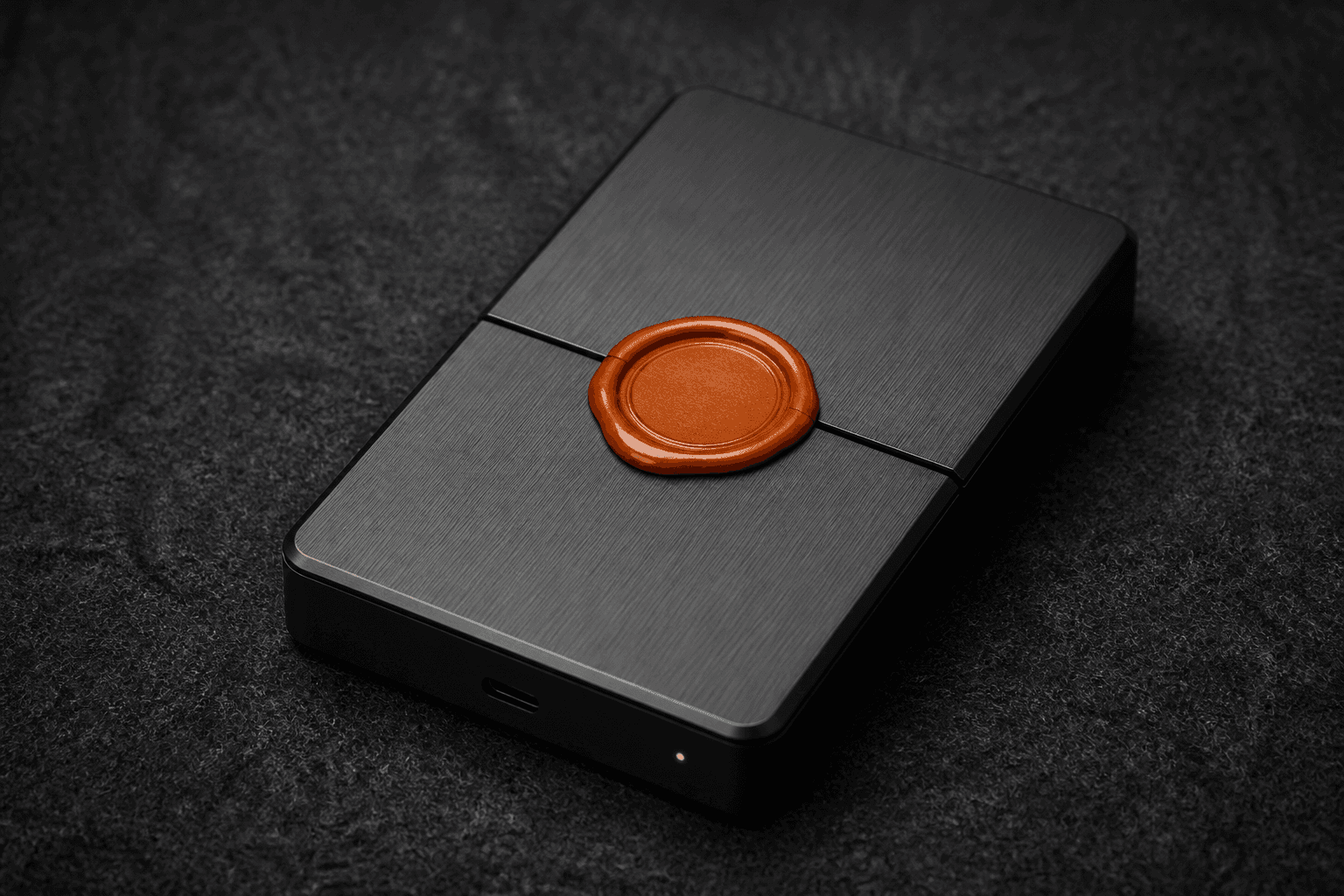
A contractor gets a platform role, then signs in as themselves on their own Windows PC. They do not get a zip of maskwright-data. Mailing a user-data folder is mailing the login. Do not email a user-data folder.
The useful caveat: MaskWright 0.1 has no team seats. That is on purpose. Why we refuse team seats. Platforms already have permissions. We will not become a shared cloud locker. Who holds the cookie jar.
What I send instead of a folder
Shopify staff. Amazon Seller Central users. Meta Page roles. Google managers. Shipping vendor seats. A password manager item they use as themselves, plus 2FA they hold.
What I do not send: Netscape cookie dumps, localStorage JSON, a cloned profiles/<id> tree. Export and import cookies and importing local storage exist for moving a session you own between machines you control. Cookie files are plaintext. LocalStorage JSON is plaintext. profiles.json is encrypted. Chromium user data is not.
Why seats in an antidetect app are a false audit
Audit trails you cannot have without a server. If we hosted seats, we would see more than we want to see. If we fake seats on disk, you still cannot tell who clicked. OS users plus platform roles are the honest split.
What leaves this machine: updates, ads feed, geo probes. Profile data is not uploaded by a MaskWright API in the code we shipped.
Offline and hot desks
Offline operator days still work for local CRUD. A contractor who needs the store on Monday needs their own install, their own empty profile, official sign-in. A shared Windows login on a spare-room tower is a team seat you invented.
When the contract ends, remove the platform role. Changing a password is not enough if you already mailed cookies.
| Give them | Do not give them |
|---|---|
| Official staff/user/role | Zip of maskwright-data |
| Their own local empty profile | Your cookie export |
| 2FA on their device | Shared cloud OTP |
How onboarding actually looks
Week minus one: I create the Shopify staff user, the Seller Central user, or the Page role. I send the invite from the platform, not from my cookie jar.
Monday: they install MaskWright on Windows 10/11, create an empty profile named after the client job, sign in as themselves, complete 2FA on their phone. I watch a screenshare if the client wants, then I leave. I never copy profiles/<uuid>.
Friday they finish: I remove the role in the platform. I rotate passwords on owner accounts they never should have had. If I already mailed a Netscape file last year, I treat that session as burned and I sign in fresh on machines I control.
Cookie import remains for my own PC migration. Encrypted index, plaintext cookie file, unencrypted Chromium tree: they should know that split so they do not assume the folder is a vault.
Shared spare-room Windows login is a fake seat. Create OS users. Offline days still work for local CRUD. The contractor still needs network for the shop they log into.
FAQ
They insist Chrome profiles are enough.
Fine, if they still use a role. The failure is sharing your session, not which launcher they pick.
Agency with ten clients, one VA.
Ten platform identities or ten staff users, not one cookie pack. MaskWright will not sync those for you.
Can I sit with them on a call and watch?
You can. You still cannot replay their clicks later without a server you do not have. Roles plus invoices are the paper trail.
Cloud profile they "just use"?
Then the vendor holds the client session. I keep client logins on local disk the operator controls. Compare local versus cloud.
What if they already have my cookies from last year?
Treat that session as burned. Remove their platform role anyway. Sign in fresh on machines you control. Rotate passwords they should never have had. Do not send a replacement zip.
Invite. Revoke. Keep the session on the machine of the person who signed in.
I skip team seats in MaskWright, emailed user-data-dir, and shared OTP. Staff invites happen in the platform first. Their install is empty until they sign in as themselves. Shared Windows logins on a hot desk are fake seats. Create OS users.
More notes sit under Privacy. Download MaskWright for the local launcher each person would install themselves.
Related notes
- What leaves this machinePrivacy
- Do not email a user-data folderPrivacy
- Why we refuse team seatsPrivacy
- Audit trails you cannot have without a serverPrivacy
- Offline operator daysPrivacy
- Export and import cookiesPrivacy
- Who holds the cookie jarPrivacy
- Importing localStoragePrivacy