2026-06-02 · Riley Park · 726 words
An antidetect browser that does not want an account
No login to use the app. Profiles stay in a local store. This positioning page is for operators who do not want a vendor account around the vault.
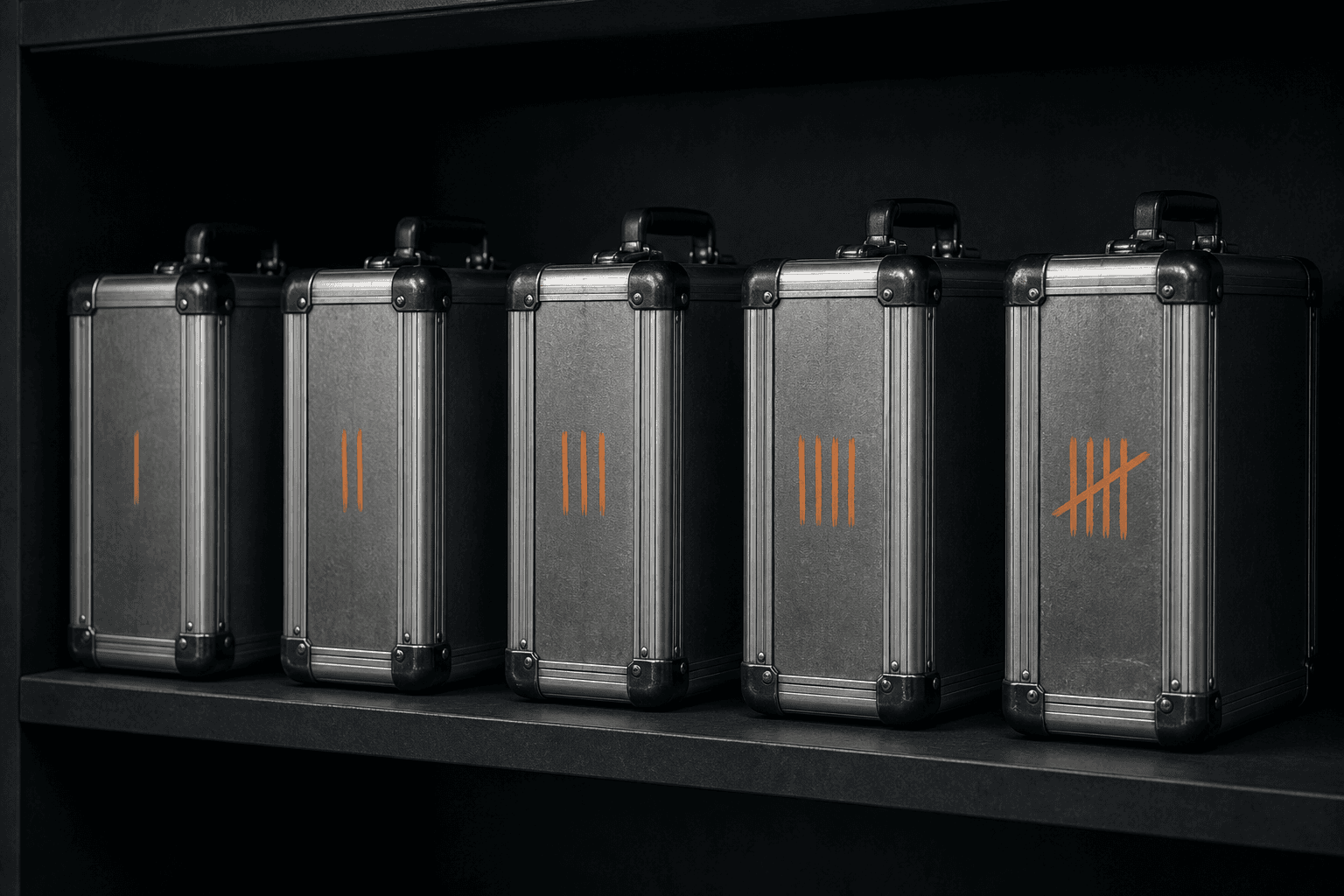
Most antidetect products start with a sign-up screen. That screen is already a second key to your sessions: an email, a password reset, a team invite, a cloud sync toggle. MaskWright has none of that. There is no login in the desktop app. You install the Windows x64 build, you create profiles over local IPC, and the index sits in maskwright-data.
I want that fact in the first screen because “free antidetect” in this category often still wants an account. An account is how a local-looking UI becomes a cloud product.
What “no account” actually covers
No MaskWright user id. No password reset that can unlock a remote copy of your cookies. No seat invite that copies a live session to someone else’s laptop through our servers. We do not have those servers for profiles.
Why we built a local antidetect browser is the architecture twin. This page is the login twin. What an antidetect browser is still applies: isolated user-data directories, a coherent fingerprint per profile, a proxy you brought.
What we do have: an optional ads JSON fetch, dashboard ad iframes, an updater on packaged builds, and geo lookups when you ask a profile to follow an exit. Those are not a MaskWright account. They are leftover network chores. They also mean “no account” is not “nothing ever leaves.”
Why a vendor account is a second key
A password reset is a custody event. If the vendor can restore your profiles after you forget an email, the vendor can restore them after someone else resets that email. Support tickets become a path to cookies. A compromised vendor inbox becomes a path to cookies. That is not theoretical. It is how cloud products are designed to be useful.
Vendor lock-in is usually discussed as export formats. The quieter lock is that your only live copy sits behind their login. No account means we cannot offer that restore. If the disk dies and you did not back up maskwright-data, the profiles are gone. I would rather say that than pretend we can fish them out of a locker we do not operate.
What still lives on disk
profiles.json is AES-256-GCM encrypted. Proxy credentials sit in that index. Per-profile Chromium folders are not encrypted by our code. Cookie and localStorage import files are plaintext JSON. No account does not mean those files are sealed against whoever can read your user folder.
There are no profile caps in code. RAM and disk are the limits. Profile caps versus local limits is the practical page. Cores are Chromium 131 when installed, else system Chrome or Edge, plus optional Camoufox. Firefox versus Chromium cores and Camoufox notes cover the engines.
What this is not
It is not a claim that you should skip accounts on Facebook, Google, or your store. Those accounts are the work. It is not a claim that a hardened daily driver is the same product. Most secure browsers are not antidetect is that split.
It is not a reason to skip isolation if you only have one personal login. When you do not need an antidetect browser still holds.
| Step | Typical cloud antidetect | MaskWright 0.1 |
|---|---|---|
| First launch | Sign up / SSO | Create a local profile |
| Recover a lost PC | Vendor restore | Your backup of maskwright-data |
| Invite a teammate | Seat | Not offered |
| Who can reset access | Vendor + you | Windows user on that PC |
FAQ
Do I need an email to download?
The site may ask for nothing, or a host may wrap the file. The desktop app itself has no sign-up. Download MaskWright is the public Windows x64 channel.
What if I want the same profiles on a second PC?
Copy the store yourself. We will not sync it. That copy is a live session. Treat it like a password file, not like a theme pack.
Is there a “log in with Google” for the app?
No. Do not look for one. Google logins belong inside a profile you launch, for accounts you already hold, not as a key to the launcher.
The Antidetect browsers notes keep repeating this because the category trained people to expect a dashboard login. Ours is a local index. Compare local versus cloud if you still want seats and restore. This page is for people who do not.
Related notes
- What an antidetect browser isAntidetect browsers
- Profile caps versus local disk limitsAntidetect browsers
- Why a local antidetect browserAntidetect browsers
- Vendor lock-in in antidetect toolsAntidetect browsers
- Camoufox and Firefox antidetect notesAntidetect browsers
- When you do not need an antidetect browserAntidetect browsers
- Firefox versus Chromium antidetect coresAntidetect browsers
- The most secure browsers are not antidetect browsersAntidetect browsers